Auto Parts Cart Abandonment: How to Close the Checkout Gap
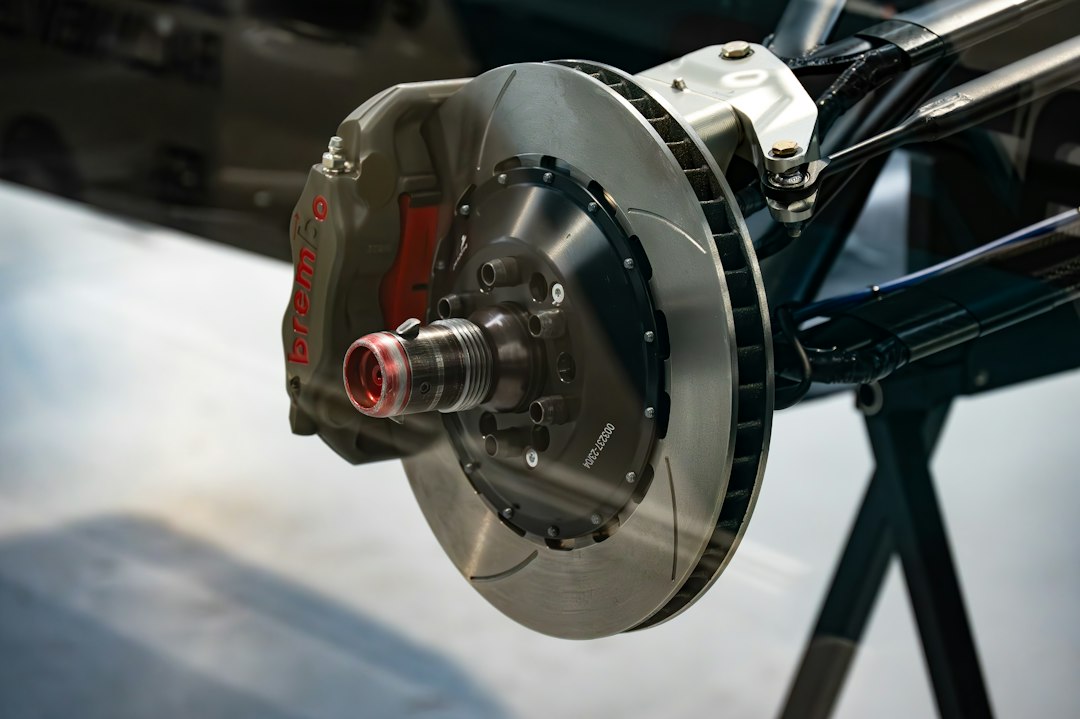
A brake kit that rang up at $310 a year ago now sits closer to $322, and the shopper looking at it in your cart is doing the math twice. Federal price data released in May showed car parts and equipment up 3.8% from a year earlier, twelve months after a 25% tariff on key imported auto parts took effect. Your margin on that order did not grow by 3.8%. Your exposure did. When that cart dies at the shipping step, you lose a bigger ticket than you did last year, and you already paid Google Shopping or a marketplace feed to put that shopper there.
Baymard Institute puts the average documented cart abandonment rate at 70.22%. You cannot fix all of it. Roughly 42% of abandoners were just browsing. The rest left for reasons you control, and in auto parts ecommerce those reasons cluster around three moments: the shipping quote, the total price, and the fear of ordering the wrong part.
Why do auto parts shoppers abandon carts at checkout?
They abandon for the same top reason as every other online buyer, a surprise cost, plus one reason most categories never face: fitment doubt. Baymard’s survey found 40% of shoppers who intended to buy left because shipping, tax, or fees were too high, and 12% left because they could not see the total cost up front.
Auto parts make the surprise worse. A fiberglass hood weighs very little, but it ships in a box larger than most carriers price by weight, so dimensional weight sets the rate. Exhaust systems, bumper covers, and wheel and tire packages all trip this. If your store shows a flat estimate on the product page and the real dimensional or freight rate only appears after the shopper types an address, you have built the exact surprise Baymard measured.
Then there is the part itself. A shopper ordering control arms for a 2019 Chevrolet Silverado 1500 has to know whether the truck is the redesigned model or the 2019 Silverado 1500 LD, which carried over the previous body. Get that wrong and the truck sits on jack stands while the return ships back. Buyers who have been burned before hesitate right at the moment you need them to click Place Order.
How do you show accurate shipping costs before checkout?
Put a live rate calculator on the product page and in the cart, driven by the same rules that price your checkout. If the number a shopper sees on the product page matches the number at checkout, the surprise disappears.
ShipperHQ‘s Product Page Shipping Calculator does this on Shopify, Magento 2, and BigCommerce. The shopper enters a ZIP code and sees rates and estimated delivery dates that account for your lead times and carrier cutoffs. Two limits to plan around: it requires a ShipperHQ Standard plan or higher, and on BigCommerce it does not support Multi-Storefront, so it only runs on your primary storefront.
The calculator is only as good as the rules behind it. For a parts catalog, the rules that matter most are these:
- Dimensional rates by product. Load real box dimensions for your oversized SKUs so ShipperHQ returns the rate the carrier will actually bill, instead of a weight-based guess that eats your margin or overcharges the customer.
- Freight routing. ShipperHQ pulls live LTL rates from more than 30 freight carriers, so a pallet of wheels or a transmission gets a real price instead of a “call for a quote” message that ends the session.
- Product-type rules. Freight-only items should never show parcel rates, and restricted items like batteries or aerosol coatings should only show the services that can legally carry them.
- Origin rules. If some SKUs drop ship from a distributor warehouse, rate them from that origin, not from your shop.
A common failure: a store sets a free shipping threshold at $99, then a shopper adds a $140 exhaust kit that ships oversize, and the checkout either quietly charges $60 or quietly eats it. Both outcomes are bad. A rule that excludes oversize SKUs from the free threshold, and says so on the product page, fixes it.
Does offering payment over time help on high-ticket parts?
Yes, on orders where the total itself is the objection, which in auto parts usually means $300 and up. It works best when the per-payment figure shows on the product page, not only as a button at the end of checkout.
Baymard found 9% of abandoners left because there were not enough payment methods. That is a smaller slice than shipping, but in a category where a coilover set or a turbo kit runs well past $1,000, it lands on your biggest orders.
Your options depend on the ecommerce platform you sell on. On Shopify, Shop Pay Installments covers orders from $50 to $20,000 for US shoppers: four interest-free payments on orders from $50 to $999.99, and monthly plans from $150 up. On BigCommerce, PayPal Pay Later messaging can run on product pages, the cart, and checkout, and it adjusts the offer it shows based on what is in the cart. Affirm and Klarna are also available on both platforms if your average order runs higher than Pay in 4 limits.
Do not treat installments as a fix for a shipping surprise. A shopper who sees $85 freight at the last step will not be calmed by splitting it into four payments. Fix the rate display first, then add the payment message.
How do you confirm fitment at checkout without adding friction?
Carry the vehicle the shopper already picked in your year, make, and model selector through the cart and into checkout, show it beside each line item, and ask for a single confirmation. Never make them type the vehicle again.
How far into checkout you can go depends on your plan. On Shopify Plus, checkout UI extensions can add a block to the information, shipping, and payment steps, so you can show “Fits: 2019 Silverado 1500 LD, 4.3L” next to the part and a checkbox to confirm. On other Shopify plans, those steps are closed to extensions, so the confirmation belongs on the cart page. BigCommerce stores can do the same on the cart page, or go further with custom checkout development.
Two details make this pay off after the sale too:
- Save the confirmed vehicle to the order as a cart attribute or order note. Your warehouse team can spot a mismatch before the box leaves, which is far cheaper than a return.
- Flag parts with no fitment data in your catalog. If a SKU has no ACES fitment record, do not show a confirmation it cannot back up. Show “Verify fitment with our team” and a phone number instead.
What should a Klaviyo abandoned cart flow look like for auto parts?
Run two flows: one triggered by Added to Cart and one triggered by Started Checkout, with a filter that removes anyone who started checkout from the first flow. Then write the messages around the reason the shopper hesitated, not around a coupon.
The flows are worth the setup. Klaviyo’s 2026 benchmark data shows abandoned cart email flows averaging $6.77 in revenue per recipient, and automotive brands averaging close to $11 per recipient on SMS abandoned cart messages. Started Checkout syncs automatically when you connect Shopify or WooCommerce, but Added to Cart usually needs Klaviyo‘s onsite tracking turned on, so check that before assuming the first flow is firing.
For a parts store, the messages should do three jobs:
- Restate the vehicle. “Still working on your 2017 F-150 brakes?” beats a generic cart reminder. Klaviyo does not capture the vehicle by default, so this takes a custom property sent with the cart event.
- Restate the real shipping cost and delivery date. If the shopper left because of shipping, show them the number again with the delivery estimate. A firm date often settles the decision better than a discount.
- Show the per-payment price on high-ticket carts. Use a conditional split on cart value so carts over $300 see the installment amount and smaller carts do not.
Timing that works for most parts stores: an email two to four hours after abandonment, an SMS at 24 hours for subscribers who opted in, and a final message at 48 hours. Hold discounts for the last message, if you use them at all. With parts prices already up, training buyers to wait for a 10% code costs you on every order after this one.
What this looks like when Blayzer implements it
A typical project for a parts retailer on Shopify or BigCommerce runs six to ten weeks, in this order:
- Checkout audit, weeks 1 to 2. We pull abandonment by step from your analytics, test rates on your 20 heaviest and largest SKUs, and map where the vehicle selection is lost between product page and order.
- Shipping rules, weeks 2 to 5. ShipperHQ setup with dimensional, freight, and origin rules, then the product page calculator.
- Payment messaging and fitment confirmation, weeks 4 to 7. Installment messaging on product and cart pages, plus the vehicle carry-through and confirmation build.
- Klaviyo email flows, weeks 6 to 10. Event setup including the vehicle property, both flows, and conditional splits.
You own your carrier and freight accounts, the ShipperHQ and Klaviyo subscriptions in your tech stack, accurate box dimensions, your fitment data, and final approval on message copy and discount policy. Blayzer owns the configuration, the theme and checkout development, Klaviyo event tracking, and testing across real orders before anything goes live. If your fitment data is incomplete, that cleanup is a separate scope, and we will tell you so at the audit. For a look at how we approach a parts store build from planning through launch, see our BigCommerce case study for Cassar Performance & Design.
What happens if you wait until after the holidays?
Black Friday falls on November 27 this year, and most parts retailers lock their site a week or two before it. If your shipping rules and fitment confirmation are not live by mid-November, you will run your highest-traffic weeks on the checkout you have today, at prices that are higher than last year, with carrier peak surcharges stacked on top. Every cart that leaves at the shipping step in December is a bigger loss than the same cart would have been a year ago. If you want those fixes live before the freeze, book a checkout audit for your parts store this month and we will start with the shipping quotes on your largest SKUs.
Frequently Asked Questions
What is a normal cart abandonment rate for auto parts stores?
Baymard Institute’s average across 50 studies is 70.22%, and auto parts stores often run at or above that because of oversized shipping and fitment doubt. Treat the overall rate as context only. Measure abandonment by checkout step, since a spike at the shipping step points to a different fix than a spike at payment.
Can ShipperHQ show shipping costs on the product page?
Yes. ShipperHQ’s Product Page Shipping Calculator shows rates and estimated delivery dates on Shopify, Magento 2, and BigCommerce product pages once a shopper enters a location. It requires a Standard plan or higher. On BigCommerce it does not support Multi-Storefront and runs only on the primary storefront.
Should my abandoned cart emails include a discount?
Not in the first message. Most parts shoppers leave over shipping cost, total price, or fitment doubt, and a discount answers none of those directly. Restate the vehicle, the real shipping cost, and the delivery date first. If you use an offer, save it for the final message so buyers do not learn to wait for it.
Do buy now, pay later options work for auto parts?
They help most on orders above about $300, where the total is the objection. Shop Pay Installments covers US orders from $50 to $20,000, and PayPal Pay Later messaging runs on BigCommerce product, cart, and checkout pages. Show the per-payment amount on the product page, not only at the final checkout step.
How do I add a fitment check to Shopify checkout?
On Shopify Plus, a checkout UI extension can display the shopper’s saved vehicle beside each item and ask for confirmation on the information, shipping, or payment step. On other Shopify plans, those steps do not accept extensions, so put the vehicle display and confirmation on the cart page instead.
What is the difference between Added to Cart and Started Checkout flows in Klaviyo?
Added to Cart fires for known profiles who add an item but never reach checkout. Started Checkout fires when a shopper enters an email at the first checkout step, which signals stronger intent. Run both, and filter the Added to Cart flow so anyone who later starts checkout exits it and only receives one sequence.