What to Do With Your AAPEX Leads: Set Up Online Ordering for Distributors and Shops
The fastest way to turn AAPEX contacts into orders is to give every distributor, jobber and shop owner you met a place to order online. Sort your contacts by account type first. Get your ACES and PIES data in shape. Set up account approval and dealer pricing, then send each group a message that links to a page where they can act.
Your post-AAPEX planTurn trade contacts into online accounts
Step 1
Sort contacts by account type
Step 2
Clean up ACES and PIES data
Step 3
Set up approval and dealer pricing
Step 4
Follow up by account type
A contact who met you at the booth on Tuesday should be placing an order by the following week.
Trade buyers who took your line card home will look you up when it is time to place their next order. If they find a login, current pricing and accurate fitment, you keep the interest the show created. If they find an outdated PDF and a phone number, they call the supplier who made ordering easier.
This plan is for owners, sales leads and marketing leads at aftermarket brands and distributors who came back from AAPEX with a stack of trade contacts and a website built mostly for retail shoppers.
Sort Your AAPEX Contacts by Account Type
Every step that follows depends on knowing who you met. Export your badge scans and business cards into your CRM within a few days of the show, then tag each contact with the group that fits:
Stock and resell your line
Warehouse distributors and jobbers
They want your line card, your data files and your pricing tiers.
List your products
Retailers and online sellers
They want product data they can import and images they can use.
Order for specific jobs
Repair shops and installers
They want fitment, install details and a fast way to order.
Add the products each person asked about and note whether they agreed to hear from you.
Why the tag matters
That tag decides which message they get, so a distributor asking about line cards never receives a pitch written for a single-bay shop.
B2B Ecommerce for Auto Parts Starts With Clean ACES and PIES Data
ACES
Fitment data
Which part fits which vehicle, by year, make, model and submodel.
PIES
Product details
Descriptions, dimensions, images and pricing.
The Auto Care Association maintains both standards, and many distributors and retailers import them straight into their own catalogs. When your files are accurate, a new account can list your parts quickly. When they are not, your parts wait in a queue or get left out.
Fix the gaps before you share the files
Run through your data before the first distributor asks for it:
Matching part numbers
Across your site, your catalog and your price sheets.
Complete fitment
For every part by year, make, model and submodel.
Clear images
At least one per part, with installed shots where you have them.
Superseded and discontinued parts marked
So no one orders them by mistake.
Keep one source of product data
Your retail site, your B2B portal and your distributor files should all pull from the same product record. When a price or fitment entry changes in one place, it updates everywhere. An integration platform like Patchworks connects your storefront to your ERP and other back-office systems, so inventory, pricing and orders stay in sync without anyone re-keying data. Our work in product catalog management centers on this, and our guide to the best ecommerce tech stack for automotive parts covers the systems that make it possible. If your platform makes fitment updates slow, replatforming without losing fitment data explains what to look for.
Tools mentioned

Set Up a B2B Portal With Dealer Pricing and Account Approval
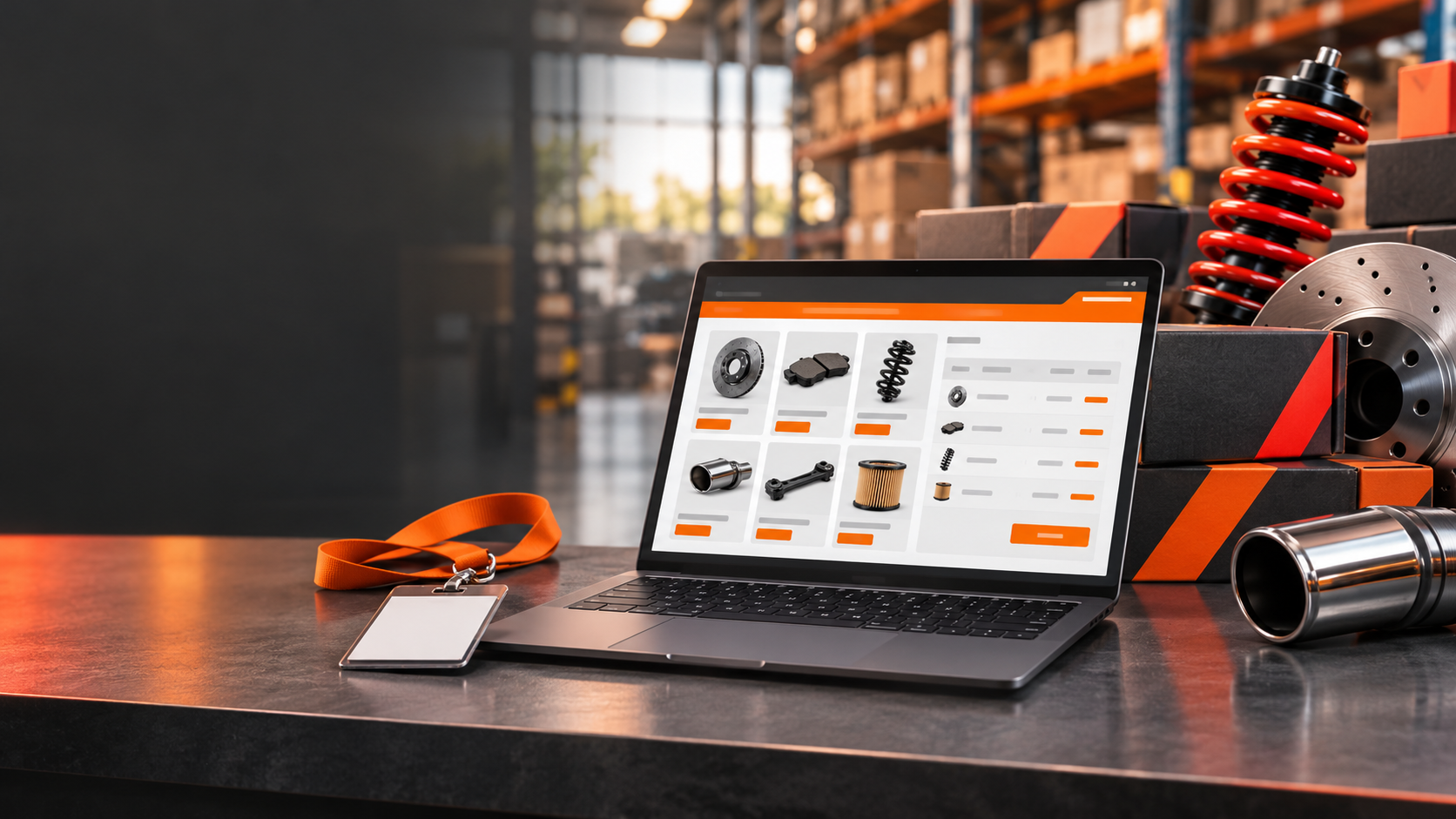
A portal gives trade buyers a faster path than email and phone calls. They log in, see their own pricing and order by part number. A good B2B ecommerce setup for an auto parts brand includes:
Tiered pricing by account type
So distributors, shops and retailers each see their own rates.
Quick order forms
That accept part numbers or a CSV upload.
Saved lists and reorder buttons
For parts a shop buys every week.
Net terms and invoicing
For approved accounts.
Live inventory
So buyers know what ships today.
MAP-friendly retail pricing
Retail pricing that follows your minimum advertised price rules on the public side of the site.
Tiered pricing is easier on a platform built to support it. BigCommerce offers customer groups and price lists, which you can use to set different rates for distributors, shops and retail buyers. For invoicing, Payroc offers invoicing and billing tools alongside an online checkout gateway, and it is worth a look if you plan to offer net terms.
Tools mentioned


Help buyers find parts by number
Trade buyers often order by part number, and they expect the search box to understand it. Athos Commerce builds search that works from shopper intent rather than exact keywords, and its merchandising tools let you promote products in search results and category pages. That gives you a way to put your newest line in front of buyers while the show is still fresh in their minds.
Tools mentioned

Make new account requests easy to approve
Many brands ask for a business license or resale certificate before they open a trade account. Put a short application on your site, review it the same day when you can, and send a welcome email that links to the first order.
Speed matters
A contact who met you at the booth on Tuesday should be placing an order by the following week.
Two partners can help once accounts go live. Avalara automates sales tax registration, rate calculation and return filing, which takes that work off your finance team as trade orders grow. Signifyd decides whether to approve or decline activity at login, checkout and returns, which can be a useful check on the first orders from accounts you have never worked with.
Tools mentioned


Follow Up With Each Account Type Differently
Each group needs a different message and a different next step.
What to send
Distributors and jobbers
Your line card, your ACES and PIES files and a clear explanation of your pricing tiers. Link them to the account application and offer a call with your sales lead.
What to send
Shops and installers
Product pages with fitment, install details and a fast way to order. Send them to the specific parts they asked about, not to your home page.
What to send
Retailers and online sellers
Product data they can import, images they can use and the rules for advertising your brand, all together in one message.
If your products benefit from a closer look before purchase, Dopple builds 3D product visualizers and configurators that connect to BigCommerce and Shopify stores, and it lists overlanding and powersports among its industries.
Plan two sends
Send the first email while your booth conversation is still fresh, and plan a second one for contacts who clicked but did not apply.
Splitting a list by account type is easier in an email platform that connects to your store and CRM data, and Dotdigital covers email and SMS in one place. For more on building flows that bring buyers back, read our post on auto parts email marketing that turns buyers into repeats, or see how our team handles email outreach and lead generation.
Tools mentioned


Give Your Sales Reps the Same Tools Buyers See
Plenty of trade accounts will keep calling their rep, and that works well when the rep can place the order inside the same system. Set up your portal so reps can see order history, check inventory and enter orders on behalf of an account. Buyers get the same pricing whether they order themselves or call, and your team stops juggling spreadsheets after a show.
Shipping questions fill a rep’s phone quickly. Route is a post-purchase platform that offers order tracking and coverage for lost or damaged packages, which can cut down on “where is my order” calls to your team.
Tools mentioned

When Your Platform Can’t Handle Wholesale and Retail Together
If selling to dealers and shoppers from one store feels like a workaround, the platform may be the limit. Our guide to choosing the best ecommerce platform for auto parts walks through what a store needs to support tiered pricing, large catalogs and fitment lookups in one place.
Blayzer has built ecommerce sites since 1998, and our St. Louis team does auto parts ecommerce website design and development for brands that want trade buyers ordering online soon after the show ends.
Planning a New Website, Ecommerce Build or Marketing Push?
Talk to a Blayzer expert about your goals and get a straight answer on the best next step.