Why Auto Parts Stores Lose Mobile Sales (And How to Fix It)
A shopper thumbs into your Year, Make, and Model selector on an iPhone. The dropdown was built for a mouse, so it barely fits a six-inch screen. She taps the wrong decade, backs out, and closes the tab before the third field loads. You never see that lost sale labeled as a fitment failure in your analytics. It just blends into a mobile conversion rate that runs roughly half of desktop, even though phones now send you more visits than any other device.
That gap costs more than a few refunds. It costs you the DIY mechanic standing in a driveway with a socket wrench in one hand and a phone in the other, the exact shopper who used to be a repeat customer before a fender search sent them somewhere easier.
Why Do Auto Parts Sites Convert So Much Worse on Mobile Than Desktop?
Mobile visitors buy less often because the two things they need most, a confirmed fit and a fast page, are usually the two things a retrofitted desktop site handles worst on a phone. More than half of the traffic hitting a typical auto parts store now comes from a phone, yet those same visitors are close to half as likely to finish a purchase as someone shopping on a laptop.
Take a shopper searching for rear brake pads for a 2019 Toyota Tacoma. The truck shipped with different rear caliper configurations depending on trim and tow package. On desktop, a spec sheet and a diagram usually sit next to the product photo, so the shopper can cross check before adding to cart. On a phone, that same information often lives three taps deep inside a collapsed accordion, assuming it made it into the mobile template at all. The shopper guesses, orders the wrong pad, and either pays return shipping or never orders from that store again.
What Is Actually Broken in Your Mobile Fitment Search?
Two things break fitment search on mobile, and neither one is really about the plugin you installed. The first is input design: a Year, Make, and Model field built as three stacked dropdowns forces a shopper to scroll through decades of years with a thumb instead of a native picker wheel. The second, and the one most agencies skip, is the data quality behind the widget. A fitment search is only as accurate as the vehicle application data feeding it, and that data usually lives outside your ecommerce platform entirely, in a distributor feed or your own ERP.
Here is a failure mode that shows up constantly in fitment-heavy catalogs. A SKU crosswalk between your inventory system and your storefront falls out of sync after a supplier updates part numbers. An oil filter that no longer fits a particular engine code still shows as compatible on the site because nobody re-synced the application table. The shopper trusts the green checkmark, orders the wrong filter, and the return lands on your desk two weeks later with a note that says it just did not fit.
What Should a Mobile UX Audit Actually Check?
A real audit starts with the vehicle selector and works outward, because that widget is where most auto parts sites lose mobile shoppers first. A useful audit covers at least these areas, each with its own fix:
- Tap targets on the vehicle selector. Apple and Google both recommend a minimum 44 pixel touch target. A Year, Make, and Model field with cramped dropdowns fails this on most Android devices, and it is one of the most common reasons shoppers mistap and abandon.
- Load time on a mid-tier Android phone over a 4G connection, not just WiFi in your office. Once a mobile page passes roughly three seconds to load, more than half of visitors leave before it finishes rendering.
- A persistent vehicle context bar. Once a shopper selects their truck or car, that selection should stay visible and editable across every page, not reset when they filter by brand or price.
- Checkout field count and autofill support. Every extra field between add to cart and order confirmed is a place a DIY mechanic standing in a garage with greasy hands can give up.
- Spec sheets and diagrams that do not require horizontal scrolling. If a torque spec or a part diagram only renders properly in landscape mode, most mobile shoppers will never rotate their phone to find it.
How Is a DIY Mechanic’s Mobile Research Different from Normal Retail Shopping?
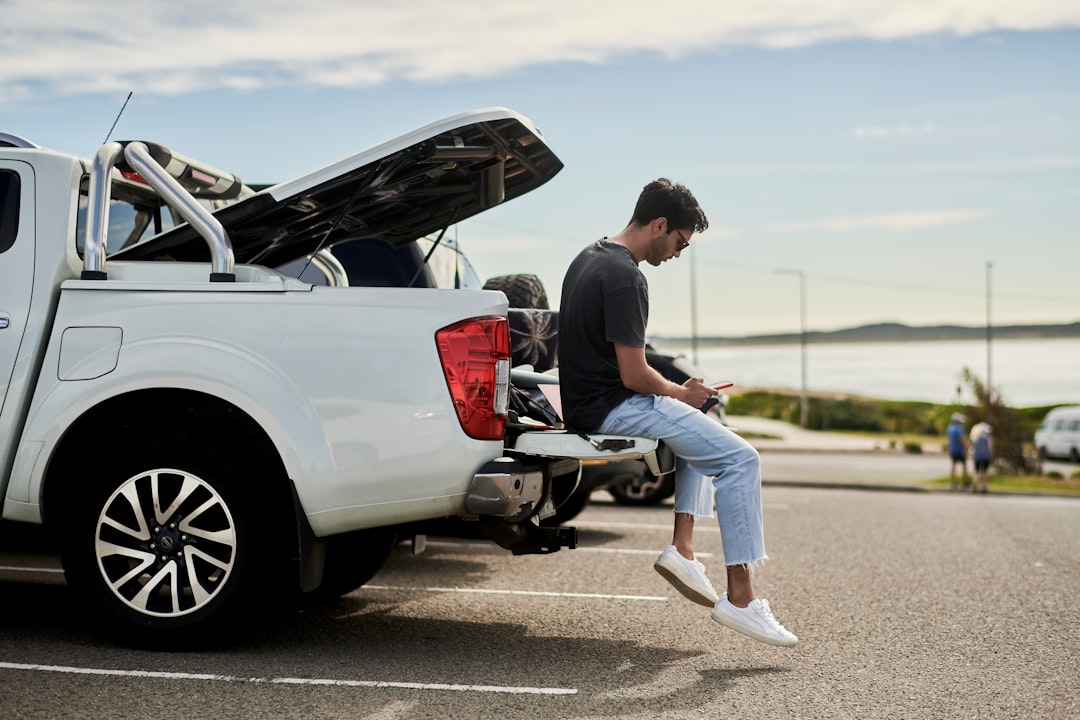
A DIY mechanic researching parts on a phone is usually not browsing. They are mid-repair, often standing in a driveway or a garage with a phone propped against a fender, cross-referencing a part number against a repair video or a forum thread while checking that the part in front of them matches what is on your site. There are close to 26 million DIY automotive consumers in the United States, and Auto Care Association-commissioned research puts the DIY maintenance market at roughly $84 billion in 2025. That same research found DIYers are 58 percent more likely than average consumers to consult a vehicle maintenance app while working.
Picture someone replacing a water pump on a 2014 Silverado. They are not going to sit down at a desktop later to confirm the serpentine belt routing. They need it now, on the phone in their hand, cross-checked against the exact engine code stamped on the block in front of them. If your mobile search cannot filter to that specific configuration in two or three taps, they will search the routing diagram on YouTube instead and buy the belt from whichever site loads fastest on the follow-up search.
What a Mobile Platform Rebuild Looks Like When Blayzer Runs It
Blayzer treats a mobile fitment rebuild as a data project first and a design project second. The typical engagement starts with a two-week audit of the existing mobile experience and the fitment data behind it, usually on BigCommerce or a comparable platform, followed by cleanup of the vehicle application data itself if it is out of sync with your ERP or distributor feed. From there, the front-end rebuild focuses on the selector and the persistent vehicle bar first, then checkout, with real-device testing on both iOS and Android before anything rolls out to the full catalog.
For a catalog in the 10,000 to 150,000 SKU range, that sequence typically runs 8 to 14 weeks, longer if the fitment data itself needs a rebuild against a supplier’s ACES and PIES feed. The client owns product data accuracy and the relationship with distributors. Sign-off at each project phase stays on their side too. Blayzer owns the storefront build and the mobile development itself. The API layer connecting the storefront to whatever system holds the source data, whether that is Acumatica or another ERP, falls on Blayzer’s side as well. Neither side hands off blind; the audit at the start is what keeps the timeline honest.
None of this requires ripping out your platform and starting over. Most of the auto parts sites losing mobile shoppers today are running on ecommerce platforms capable of handling fitment search well; the search itself was just never rebuilt for a thumb and a six-inch screen. The cost of waiting is not abstract. Every week your mobile selector stays broken, another DIY mechanic standing in a driveway finds the right part faster on someone else’s site and never opens yours again. If your mobile bounce rate already tells you something is wrong, talk to Blayzer about scoping a fitment and mobile UX audit before your next catalog update, not after another quarter of returns you can trace straight back to a dropdown built for a mouse.
Frequently Asked Questions
How much does a mobile UX overhaul cost for an auto parts ecommerce site?
Most mobile fitment rebuilds cost more like a platform project than a simple theme swap, since the work touches fitment data and API connections to your ERP. Expect a scoped proposal after an audit, not a flat number, because catalog size and data quality drive cost more than the platform does.
Do I need a native app, or does a mobile website fix this?
A responsive, fitment-first mobile website solves this for nearly every auto parts retailer; a native app rarely moves the needle unless you already have a large repeat-purchase base checking order status or scanning parts in a shop setting. Start with the website. An app is a later decision, not a first move.
Can I fix fitment search without migrating platforms?
Yes, in most cases. BigCommerce and Shopify both support mobile-first fitment tools through native features or vetted apps, so a broken fitment search is usually a data and configuration problem, not a reason to migrate. Migration only makes sense when the platform itself cannot handle your SKU volume or your B2B pricing rules.
How long does a mobile-first fitment rebuild take?
For a catalog between 10,000 and 150,000 SKUs, plan on 8 to 14 weeks from audit to full rollout. Catalogs with clean, current vehicle application data move toward the shorter end. Catalogs where the fitment data has not been reconciled with a supplier feed in years should plan for the longer end, or beyond it.
Does mobile UX affect SEO rankings for auto parts sites?
Yes. Google indexes and ranks based on the mobile version of your site, so slow load times or broken tap targets on your fitment selector directly affect how you rank, not just how you convert. A faster, cleaner mobile fitment search tends to lower bounce rate too, which is itself a signal search engines weigh.
What is the difference between Year, Make, Model search and VIN lookup?
YMM search asks a shopper to pick their year, make, and model manually, which works well but adds taps. VIN lookup reads a 17-character vehicle number and pulls exact trim and engine details automatically, cutting fitment errors further. Most auto parts sites offer both, defaulting to YMM and offering VIN entry for shoppers who want a faster, more precise match.